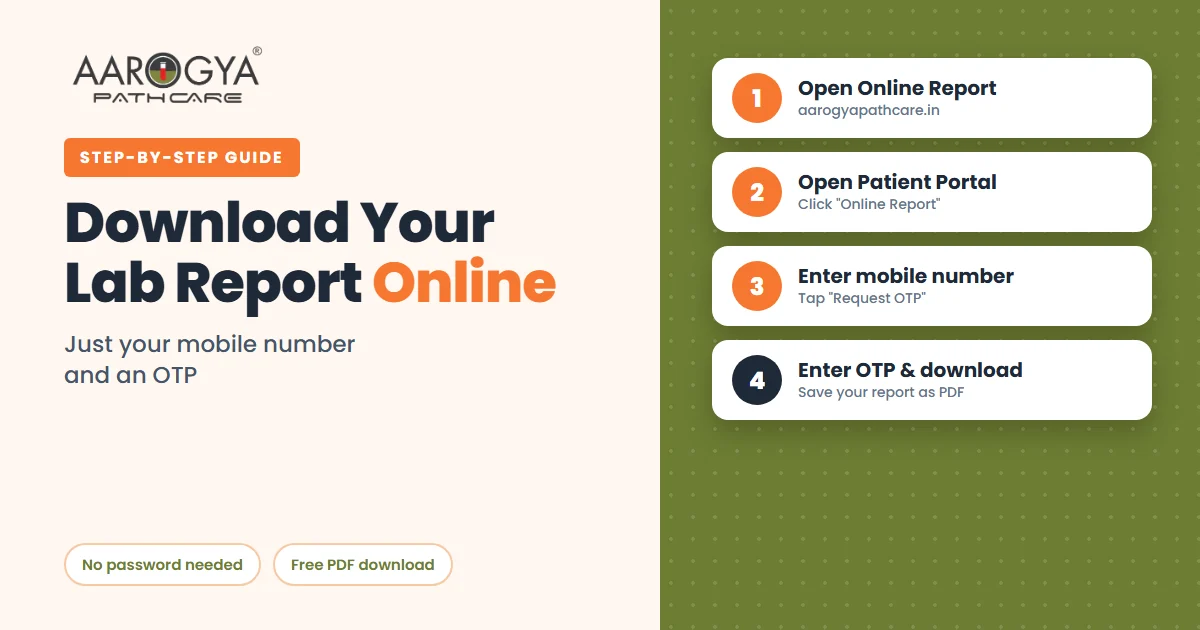
Quick answer: to download your Aarogya Pathcare lab report online, go to the Online Report page, open the Patient Portal, enter the mobile number you gave at the time of your test, tap Request OTP, enter the OTP you receive, and then open and download your report as a PDF. Reports are usually ready within 6–12 hours of sample collection for routine tests.
No need to visit the lab or wait for a printed copy. Here is a simple step-by-step guide, plus solutions if something does not work.
What you need before you start
- The mobile number you registered when your sample was collected
- That phone with you, to receive the OTP
- A phone or computer with internet
- A PDF reader to open the report (most phones and browsers have one built in)
How to download your report: step by step
Step 1: Open the Online Report page
Go to aarogyapathcare.in/online-report.php. You can also find it from the Online Report button at the top of every page on our website.
Step 2: Open the Patient Portal
Click the Online Report button on the page. This opens the Aarogya Pathcare Patient Portal in a new window.
Step 3: Enter your mobile number and request an OTP
Type the mobile number you gave at the time of your test in the Mobile No box and tap Request OTP. You will receive a one-time password (OTP) on that number.
Step 4: Enter the OTP and download your report
Enter the OTP to sign in. Your reports will then be shown. Open the report you need and download or save it as a PDF. You can also share the PDF with your doctor on WhatsApp or email.
Never share your OTP with anyone. Aarogya Pathcare staff will never ask for it.
Quick summary
| Step | What to do |
|---|---|
| 1 | Open the Online Report page on aarogyapathcare.in |
| 2 | Click "Online Report" to open the Patient Portal |
| 3 | Enter your registered mobile number and tap "Request OTP" |
| 4 | Enter the OTP, open your report and download the PDF |
Report not opening? Try these fixes
- The portal window does not open: your browser may be blocking pop-ups. Turn off the pop-up blocker for our website and click the button again.
- The PDF does not open: make sure a PDF reader (such as Adobe Reader or your phone's built-in viewer) is installed and up to date.
- OTP not received: check that you entered the same mobile number you gave at the time of your test, check your network, wait a minute and request the OTP again.
- Report not showing yet: some tests take longer than others. Routine reports are usually ready within 6–12 hours; specialised tests can take longer.
- Wrong or old mobile number registered: call our team and we will help you get your report.
How long does it take to get a report?
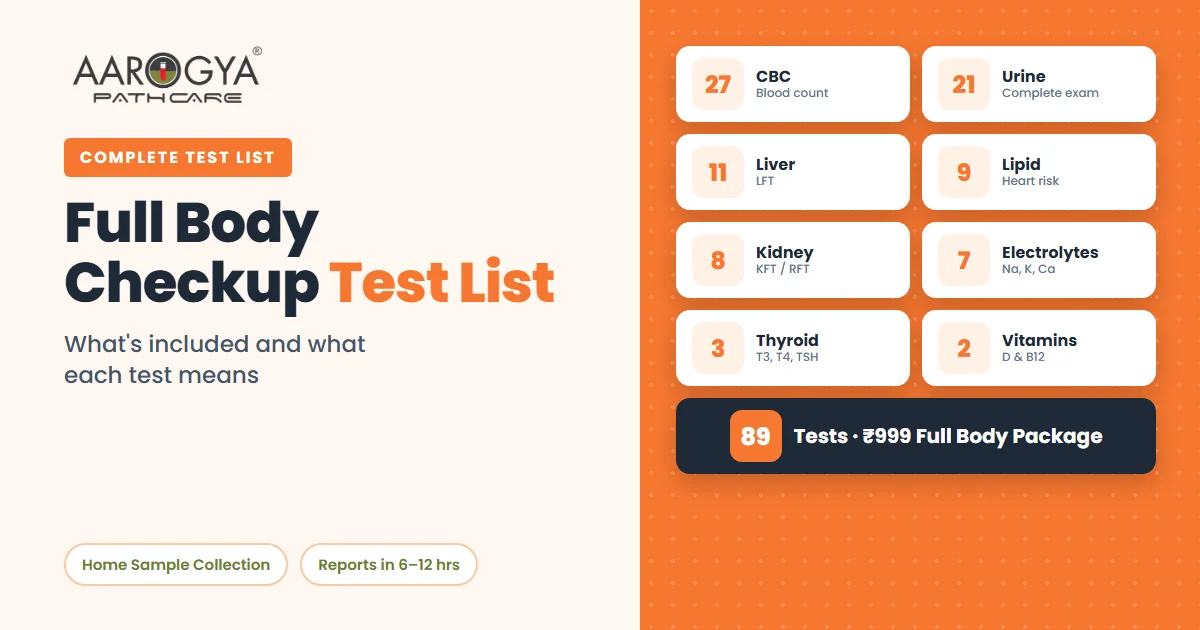
For routine tests and health packages such as the Aarogya Full Body Package, reports are usually ready within 6–12 hours of sample collection. Some specialised tests need more time. If your report is taking longer than expected, call us and we will check the status for you.
Understanding your report
Each result on your report is shown next to its reference (normal) range, so you can see which values are high or low. A lab report is not a diagnosis – always show it to your doctor. To understand what each test in a health package checks, read our guide to the full body checkup test list.
Tips to keep your reports safe
- Save every report PDF in one folder on your phone or email
- Name files with the date, for example "Blood test - 15 Nov 2026"
- Keep old reports – your doctor can compare results over time
- Use the same lab for regular checkups so your reports are easy to compare
Frequently asked questions
How can I download my Aarogya Pathcare report online?
Open the Online Report page on aarogyapathcare.in, go to the Patient Portal, enter your registered mobile number, request and enter the OTP, then open and download your report as a PDF.
Do I need a username and password?
No. You sign in with the mobile number you gave at the time of your test and an OTP sent to that number.
How long does it take for the report to come online?
Routine reports are usually available within 6–12 hours of sample collection. Specialised tests may take longer.
Can I download my report on my phone?
Yes. The Patient Portal works on mobile phones as well as computers.
What if I did not receive the OTP?
Check that you entered the correct registered mobile number and that your phone has network coverage, then request the OTP again. If it still does not arrive, call our team.
Can I get old reports online?
Your reports are linked to your registered mobile number. If you cannot find an older report in the portal, contact our team for help.
Need help with your report? Call +91-9999857513 or visit our Contact Us page. Planning your next test? See our health packages with home sample collection.